
NivaasPro Society Management System Features Guide
Welcome to the comprehensive features guide for NivaasPro. This software is designed with multiple roles to cover all aspects of society management, from finance to security and resident satisfaction.
Login Interface
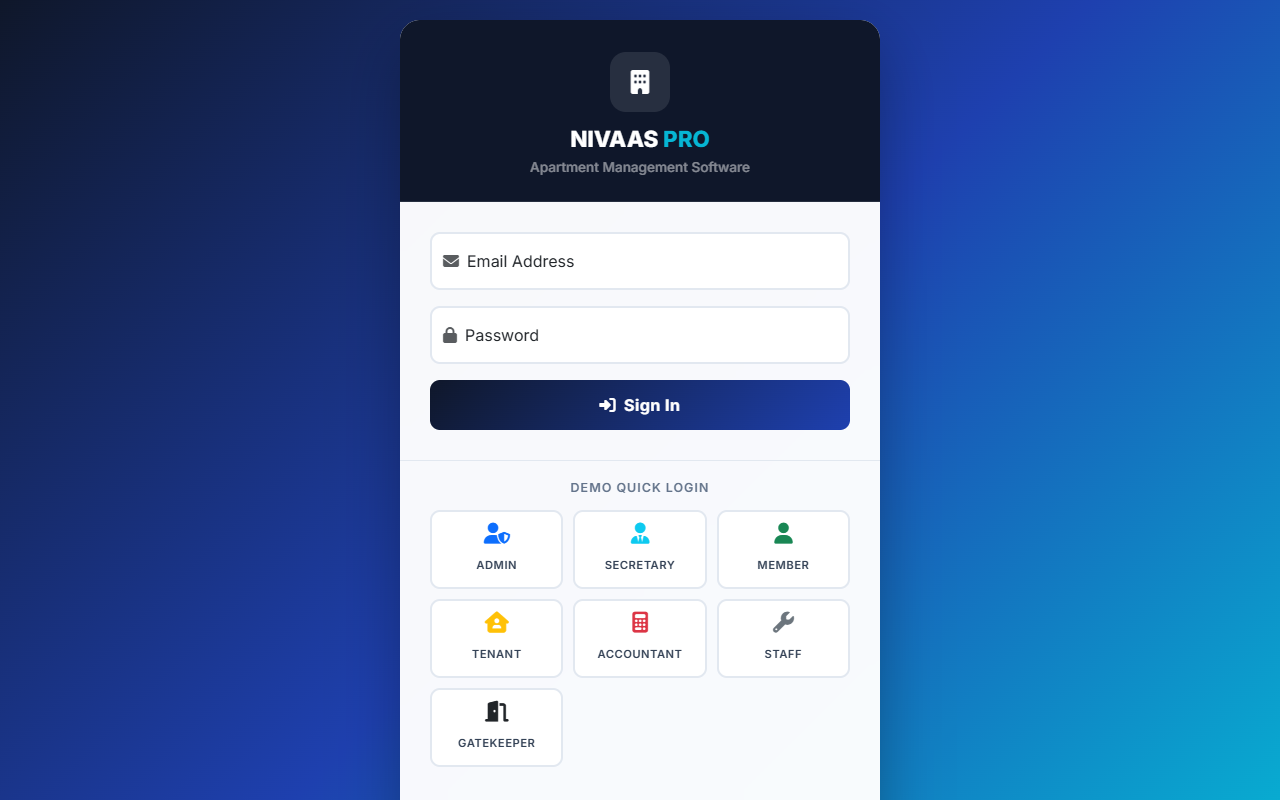
The system features a single, unified login portal for all users, regardless of their role. Users simply enter their email and password, and the system automatically redirects them to their designated, custom-tailored panel.
Admin Panel (Core Management)
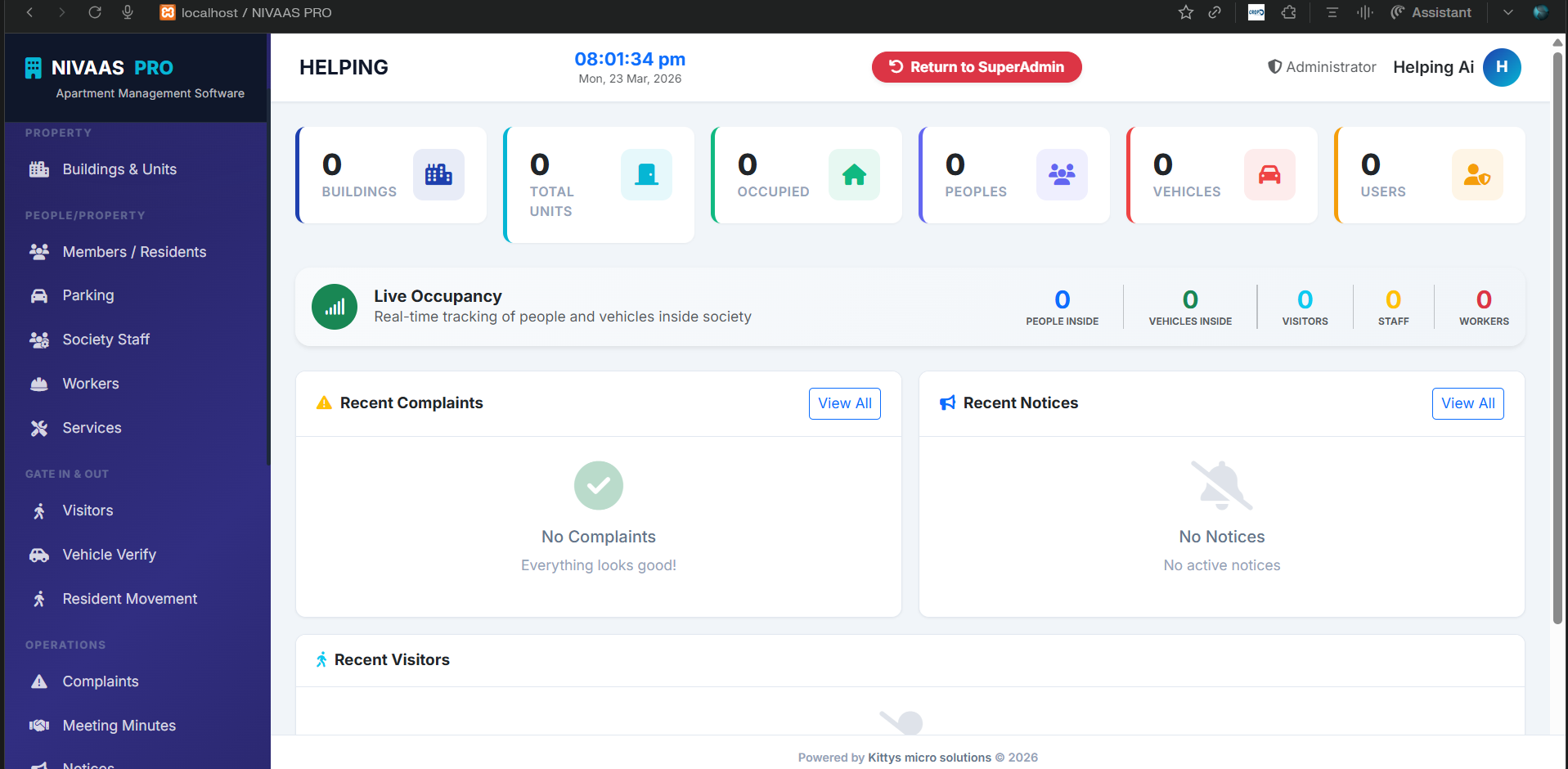
The Admin role has the highest level of privileges within a society, focusing on global property setup, financial regulation, and overall supervision.
Administration Features
Property Setup
Manage all buildings, floors, and individual units (flats/apartments). Define unit sizes, types, and track occupancy status.
People Management
Full control over Members, Residents, Staff profiles, and Worker directories. Approve or reject member registrations.
Finance & Invoices
Generate society maintenance invoices, record manual payments/receipts, run detailed financial reports, and oversee asset values.
Gate Control & Tracking
Monitor real-time gate movements, track visitor history, verify resident vehicles, and check resident in/out movements.
Operations & Compliance
Resolve complaints, post public notices, upload society documents, update society rules, and record formal meeting minutes.
System Settings
Configure automated billing parameters, manage ongoing society subscriptions, and define payment gateway details.
Accountant Panel (Finance & Billing)
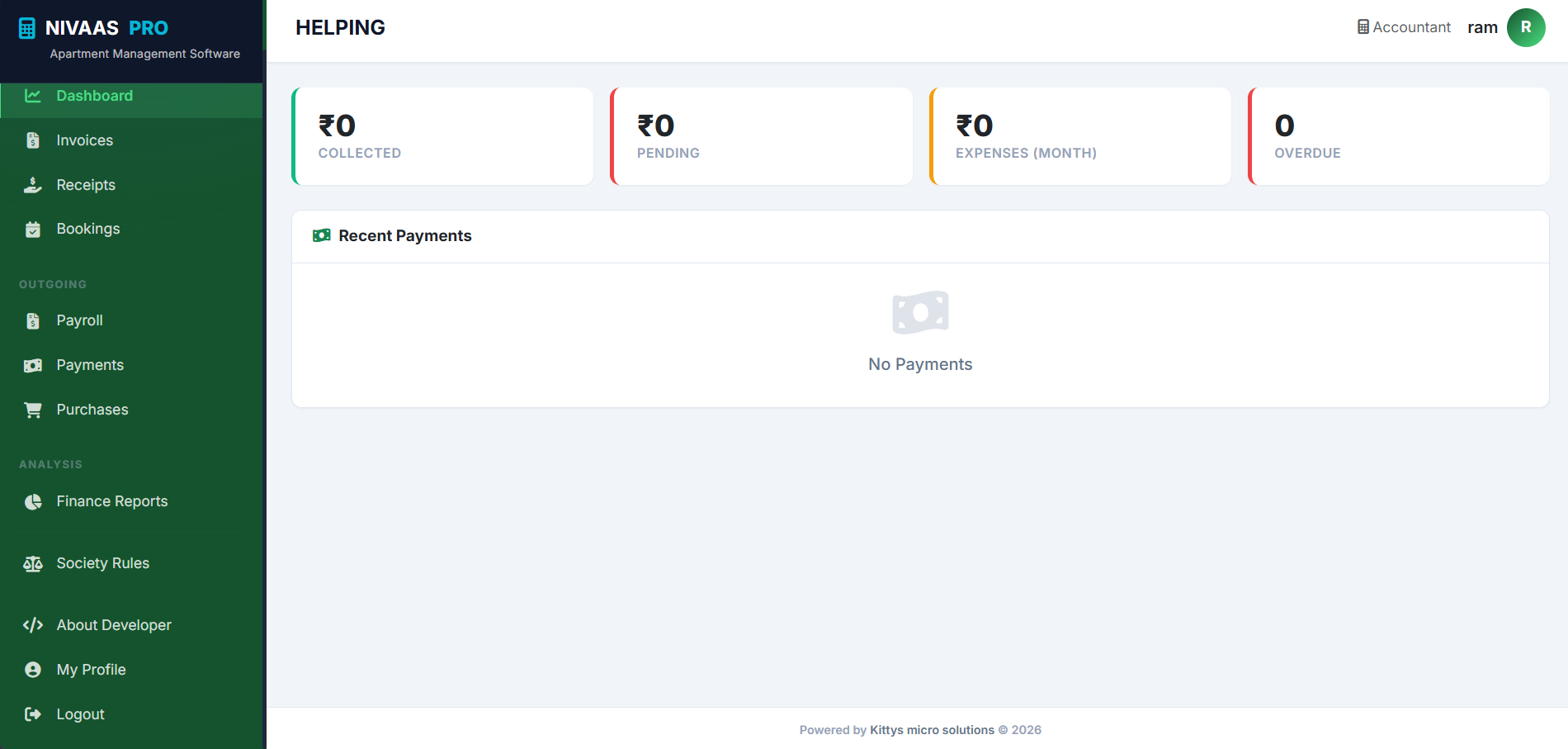
The Accountant handles the society's bookkeeping, tracking incoming maintenance dues from members and outgoing payments to vendors and staff.
Accountant Features
Invoices & Receipts
Generate maintenance invoices for residents, record manual payments, and issue official payment receipts.
Payments & Purchases
Track outgoing society expenses, vendor payments, and record daily maintenance purchases.
Staff Payroll
Manage the monthly payroll logic for active society staff and specialized workers.
Financial Reports
View detailed analysis of the society's income versus expenditure to ensure healthy financial records.
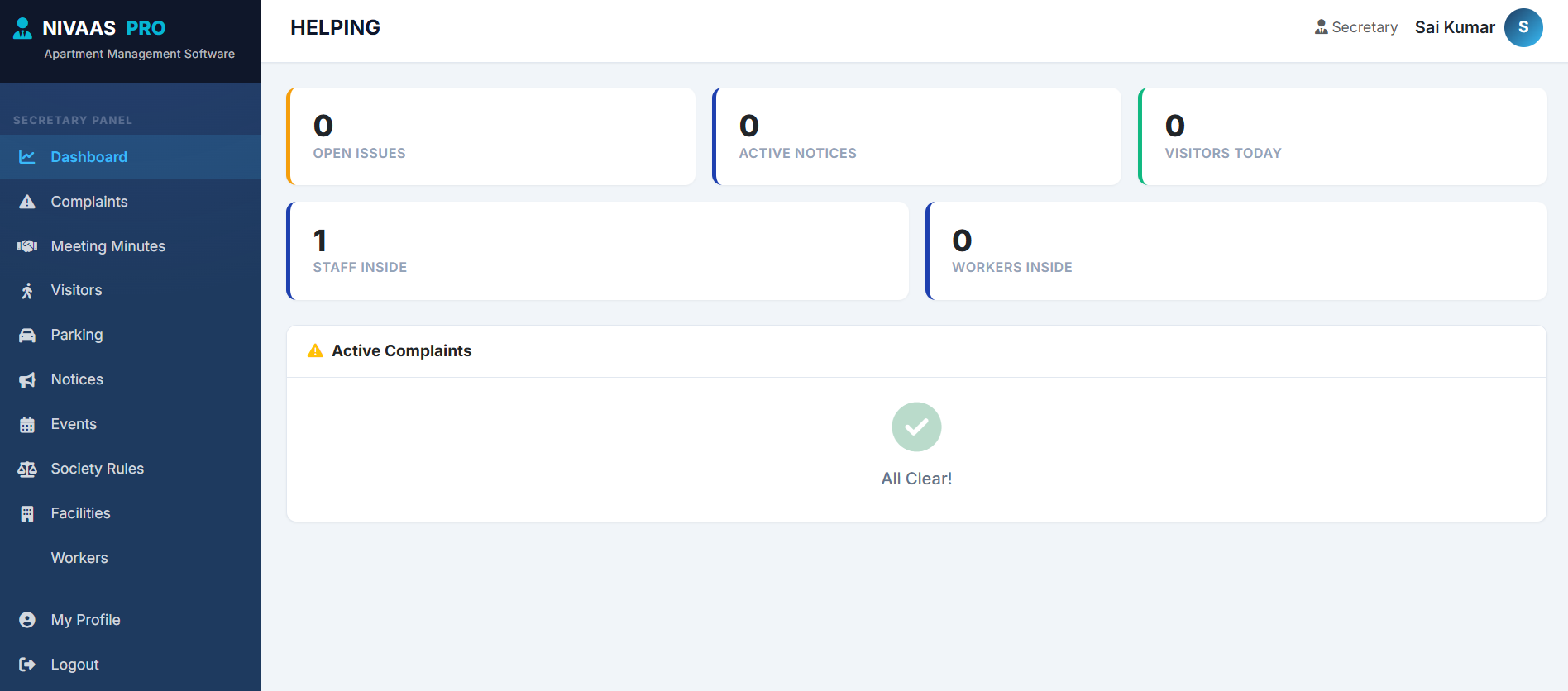
Secretary Panel (Operations & Community)
The Secretary focuses on the day-to-day coordination, resident requests, and facility supervision without accessing sensitive financial records.
Secretary Features
Complaint Resolution
Review complaints raised by residents, assign them to internal staff or external workers, and track resolution status.
Events & Meetings
Create society events, organize community gatherings, and document formal committee meeting minutes for residents to view.
Facility Management
Oversee society facilities (Clubhouse, Pool, Gym, etc.), manage resident bookings, and ensure facility compliance.
Gate Visibility
View visitor logs and verify which guests or workers are currently on the premises.
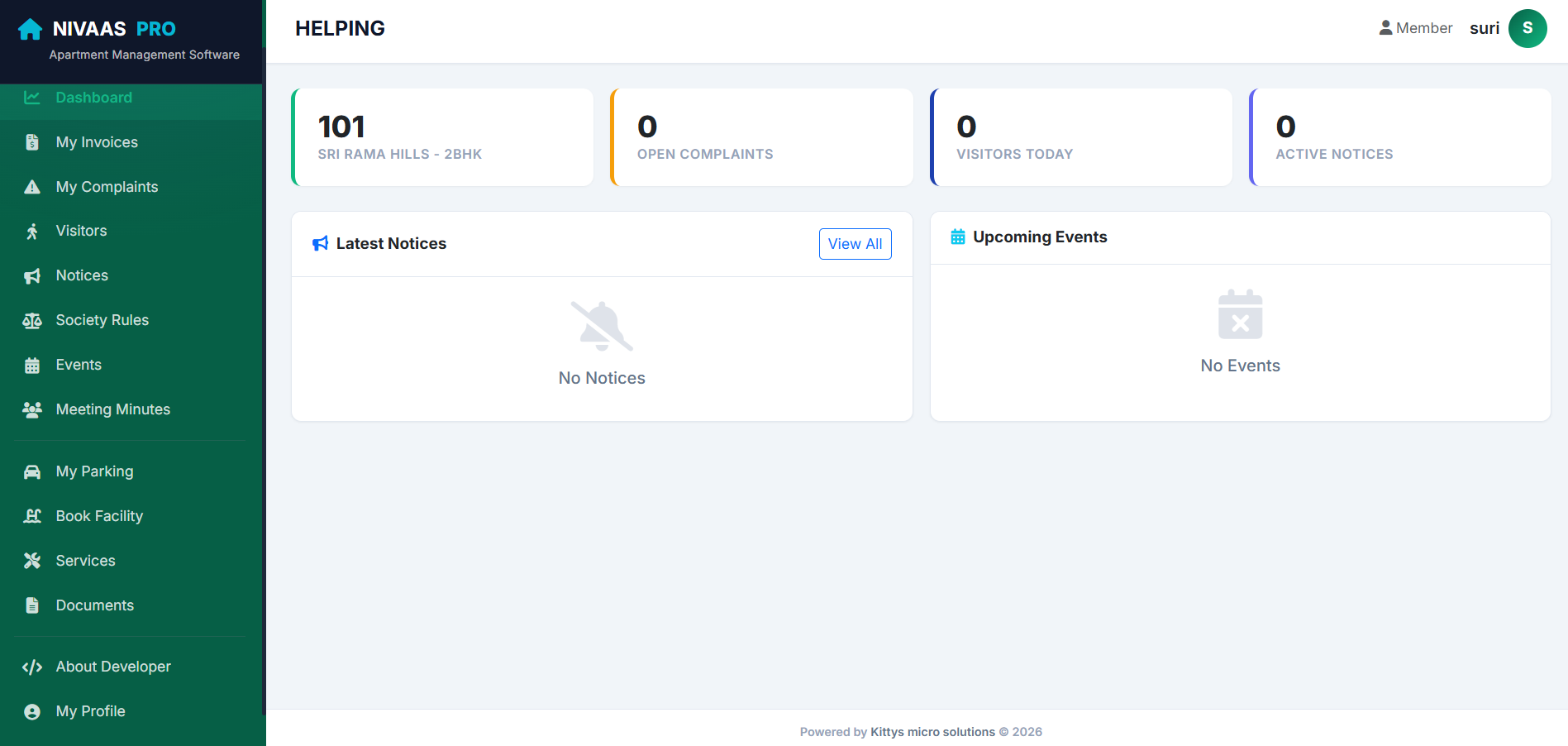
Member / Owner Panel
Designed for flat owners, providing a clean dashboard to pay bills, raise issues, and interact with the society.
Member Features
My Invoices
View upcoming maintenance dues, pay bills online securely, and download past payment receipts.
My Complaints
Raise tickets for plumbing, electrical, or generic issues. Attach photos and communicate directly with staff regarding the issue.
Visitor Authorization
Pre-approve expected visitors (guests or delivery) to save time at the gate, and view logs of who visited your flat.
Book Facilities
Reserve the clubhouse, tennis court, or party hall for personal events on specific dates.
My Parking & Vehicles
Register personal vehicles to receive automated gate verification and view assigned parking lots.
Notices & Documents
Read official society announcements, review society rules, and access shared building documents safely.
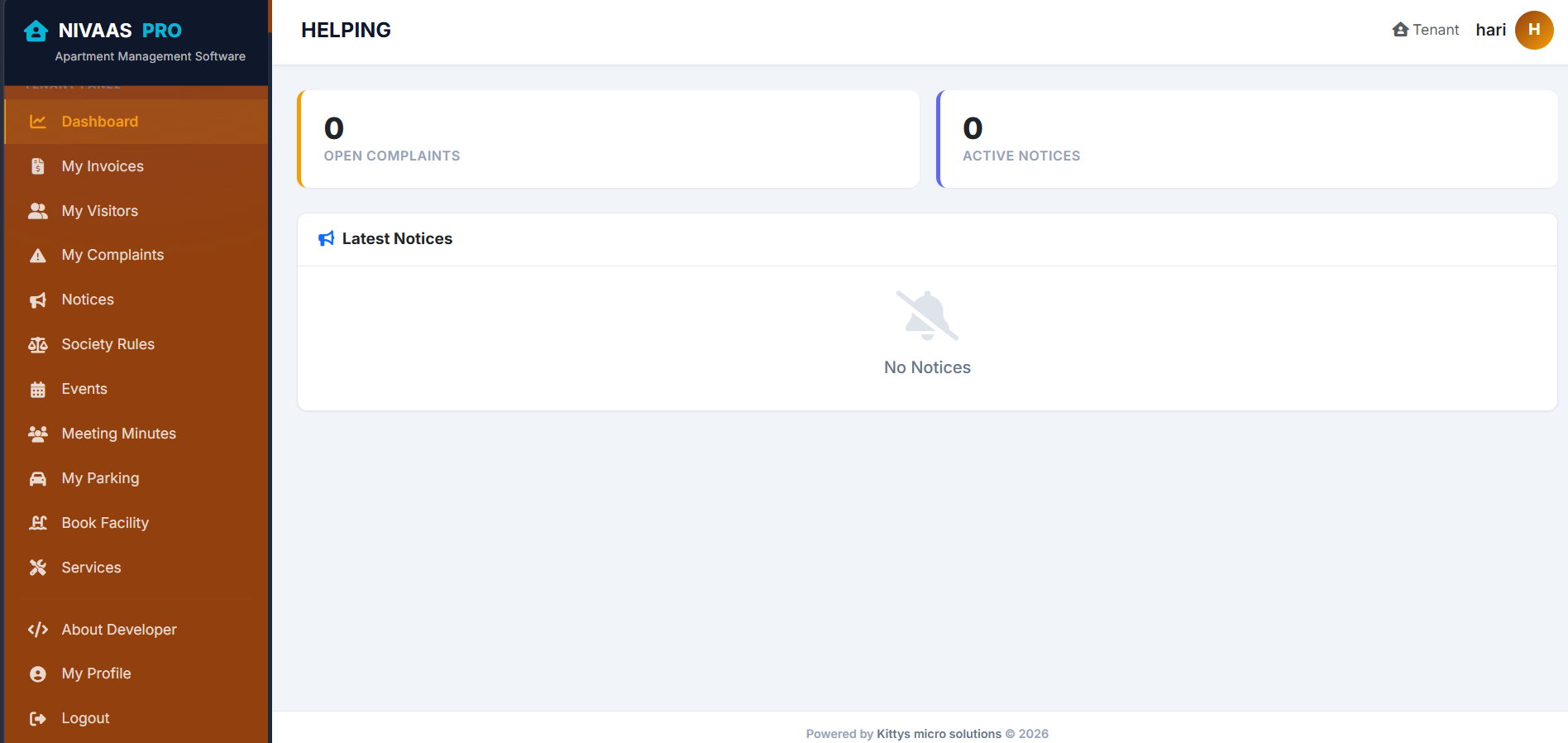
Tenant Panel
Tenants get a slightly tailored version of the Member panel. Depending on society rules, tenants can access day-to-day facilities while ownership-level data is hidden.
Tenant Features
Maintenance Bills
If required by the rent agreement, tenants can view and pay utility or maintenance bills directly.
Raise Issues
Report issues to the administration or secretary that require staff attention inside the rented flat.
Manage Visitors
Pre-approve personal guests and monitor logs of delivery agents visiting the flat.
Community Engagement
View society events, read generalized notices, and review current society rules and regulations.
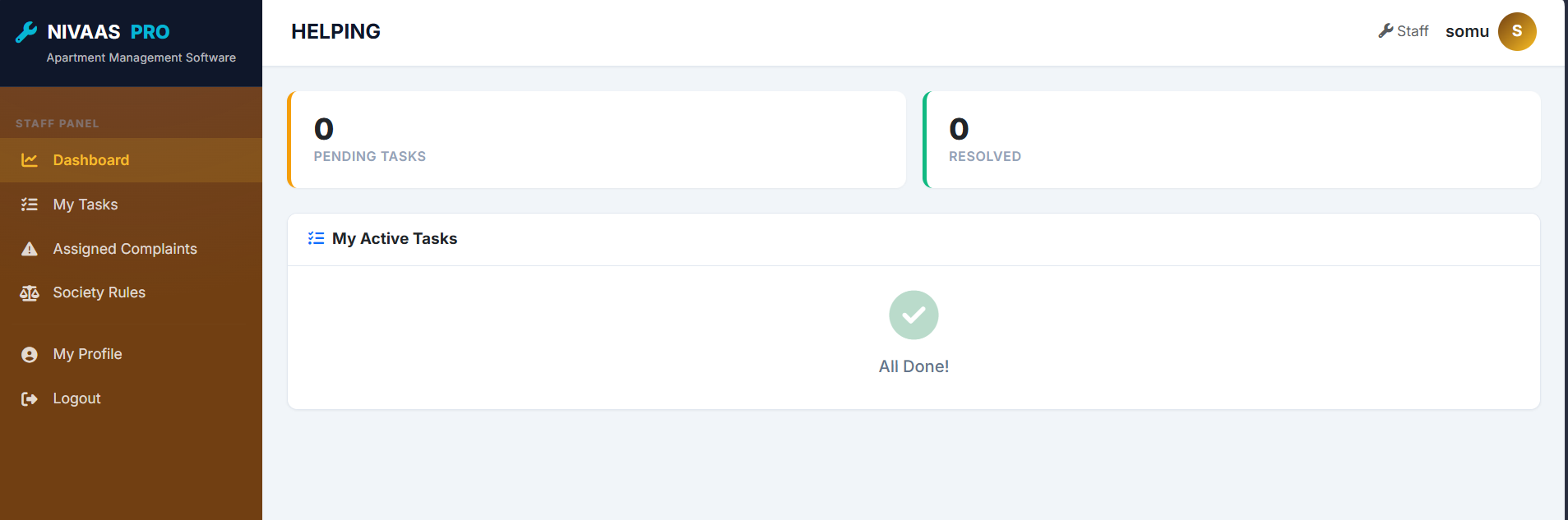
Staff & Worker Management
Internal society staff (Managers, Electricians, Plumbers) have their own logic and login portal, while external workers (Maids, Drivers) are managed at the gate.
Staff Panel Features
My Tasks
Staff members can log in to view tasks assigned to them by the Admin or Secretary, updating their status upon completion.
Assigned Complaints
Direct view of resident complaints routed specifically to their department (e.g., plumbing vs electrical).
Note on Workers: External workers (Maids, Cooks, Drivers) do not log in. Instead, their profiles are created by the Admin, and their daily IN and OUT times are heavily tracked by the Gatekeeper module, visible to Residents.
Gatekeeper Panel (Security Desk)
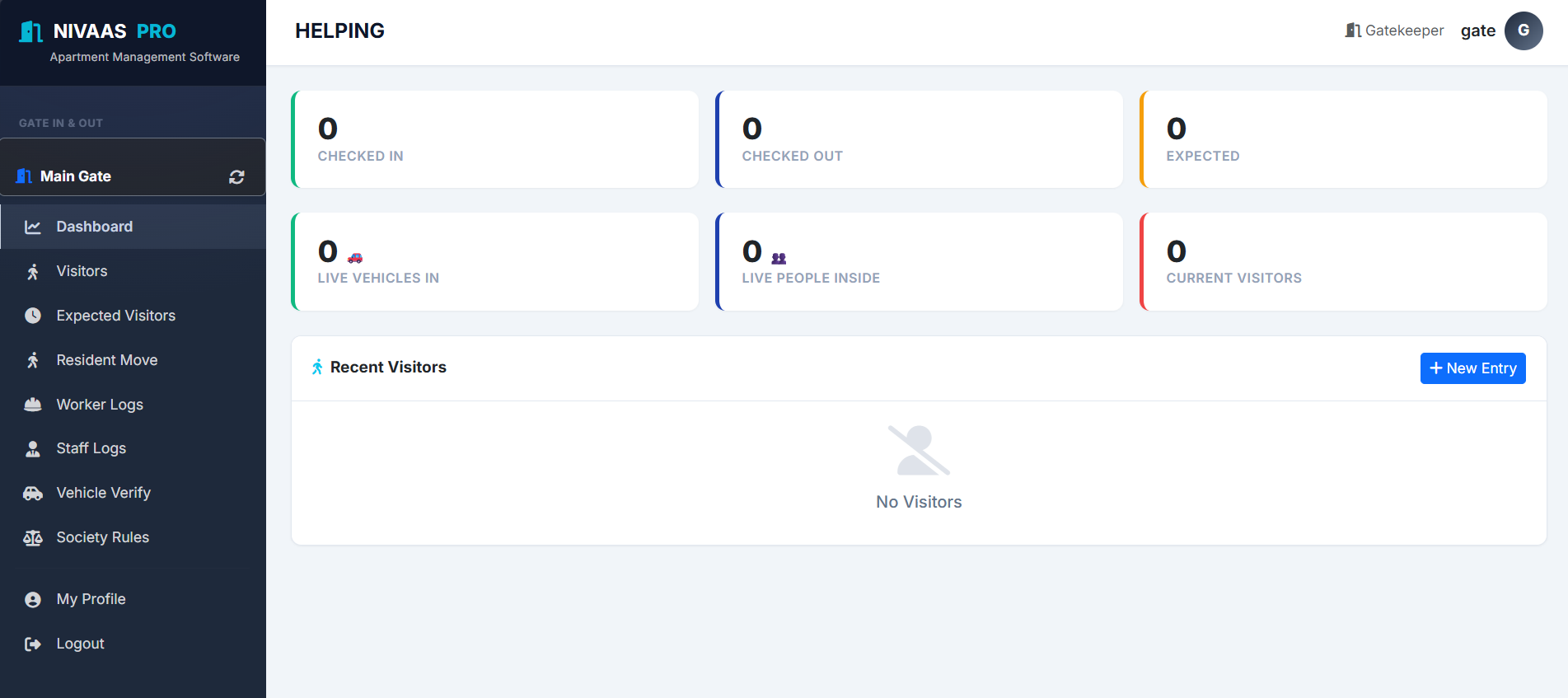
A specialized, fast-paced interface meant for tablet or desktop use at the society entrance gates.
Security & Gatekeeper Features
Multi-Gate Support
Gatekeepers can select which gate they are currently monitoring (e.g., Main Gate, Back Gate) for accurate logging.
Visitor Logging
Capture photo, details, and flat number of incoming visitors. Alert the resident via the app instantly.
Expected Visitors
View a fast-track list of guests pre-approved by residents to reduce wait times at the gate.
Worker & Staff Logs
Quick one-click check-ins/check-outs for daily maids, drivers, and society staff members.
Vehicle Verification
Cross-reference license plates with the resident vehicle database to quickly authorize entering cars.
Resident Movement
Log times when a resident officially moves IN or moves OUT of a flat with their luggage.
Software Partner Panel
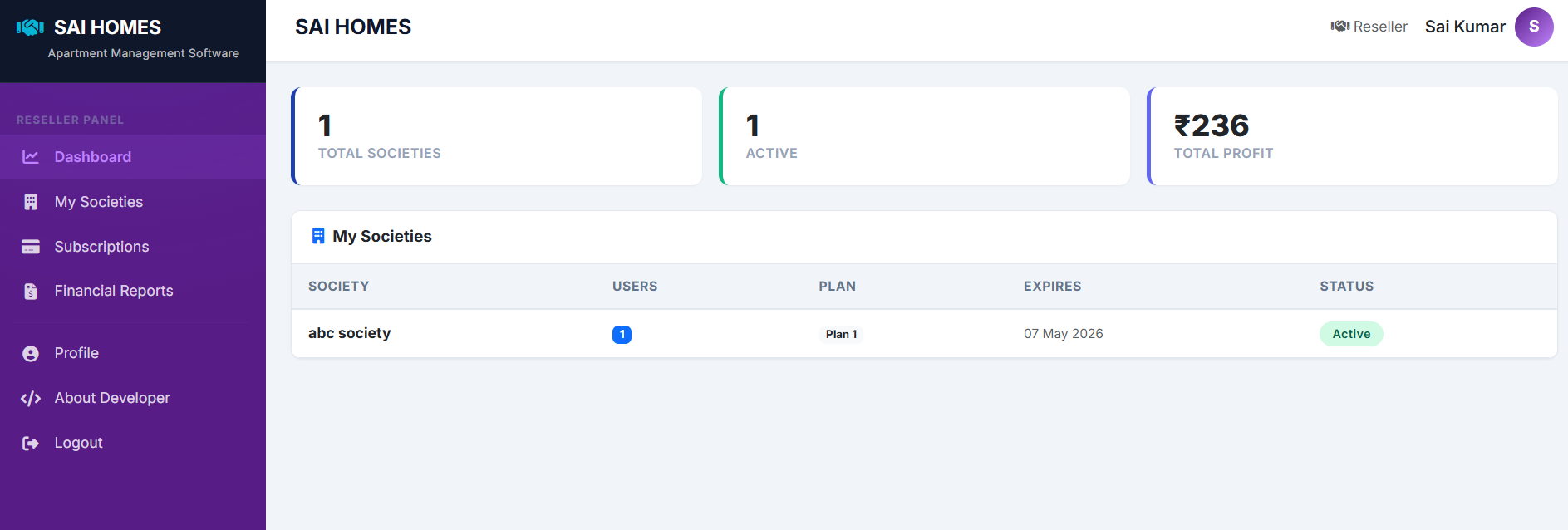
The Software Partner (Reseller) role is for business partners who manage multiple society subscriptions and oversee platform distribution.
Software Partner Features
My Societies
View globally all the societies registered under your partner account, monitor their active status, and manage their setups.
Subscriptions
Track the subscription plans of your managed societies, including renewal dates and billing history.
Financial Reports
Generate detailed commission and revenue reports based on the society subscriptions processed under your partnership.
Reseller Branding
If authorized, apply your custom branding, logos, and "Powered By" links across the software interface for your clients.